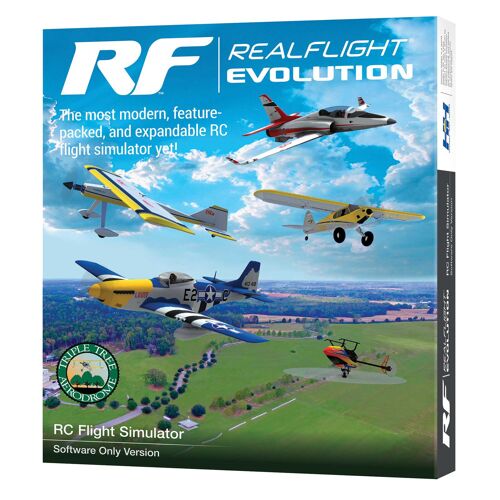
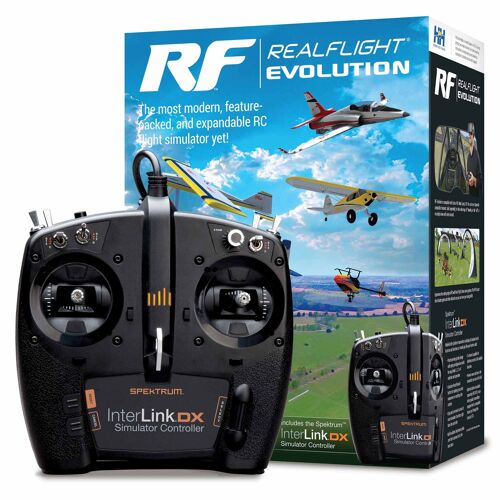
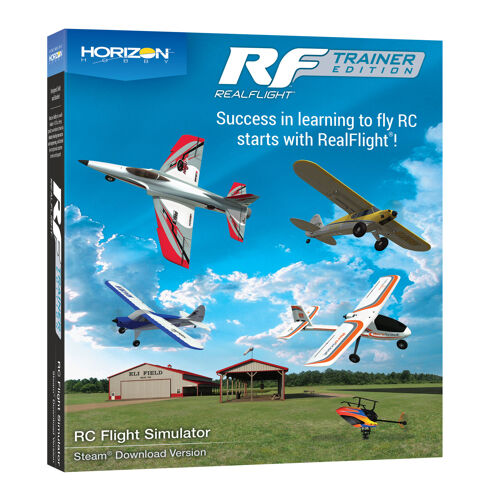
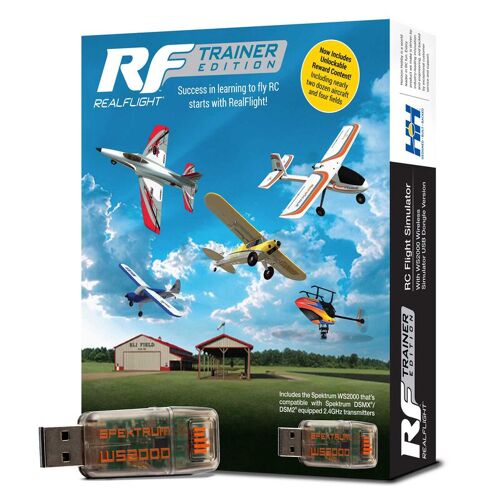
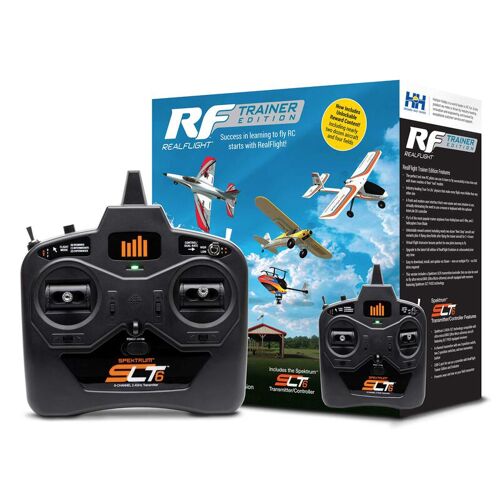
When you come in to buy your first RC plane we will tell you this: your first crash shouldn't happen at the flying field, it should happen on your computer.
Learning to fly radio-controlled airplanes, helicopters, or drones is one of the most rewarding hobbies in the world. It’s cool, it looks quite easy, so how hard can it be? However, gravity is unforgiving. A single disoriented turn, be distracted for a second or sudden wind gust can turn hours of preparation and your first investment into a pile of foam and carbon fiber.
That is where RC trainer software (flight simulators) comes in. Perfect for when you are stepping into the hobby through a beginner initiative or want to move up to more complex aerobatics and turbine jets, a flight simulator is the single most cost-effective tool in your hangar. And you don’t need a high-end computer!
What is RC Trainer Software?
Unlike full-scale simulators (such as Microsoft Flight Simulator) where you are the pilot of a real plane. The RC flight simulator places you on the sideline, just like real life.
Using realistic aerodynamic physics engines, the software mirrors real-world flight dynamics, including:
Lift, stall speeds, and wing loading
Real-time weather variables like wind gusts, crosswinds, and thermals
Ground effect during takeoffs and landings
Electronic gyro assists (such as SAFE and AS3X stabilization systems) this gives you build in safety
By connecting a real radio transmitter or dedicated USB controller directly to your PC, every stick movement translates identically to what you will experience at the airfield.
What do you need to start training?
You only need 2 things:
- A computer running Windows 11; you’ll need to download "Steam" onto this computer. You will also need to create an account for this platform. Steam is a secure platform where you can download games and software.
- A licence code for RealFlight software. You can buy this from us, either on its own or together with a transmitter. That way, you’ll have everything you need to get started straight away. Do you already have a transmitter but still want to practise? You can connect your radio to your computer using a USB cable, or buy a USB adapter. Please note that this software only works with Spectrum transmitters.
After using the key code you can download Realflight and start training!
3 Critical Skills You Need To Master on a Simulator
How do you know when you’re ready to really take to the skies? Here are three key skills you need to master before you can even consider taking to the skies. These skills should become second nature and feel natural.
1. Overcoming the "Nose-In" Reversal
When an RC aircraft flies away from you, pushing the right stick right banks the plane right. But when the aircraft turns around and flies toward you ("nose-in"), the roll controls appear reversed from your perspective. Pushing right turns the model to your physical left. A simulator builds the subconscious muscle memory needed to correct orientation automatically without panicking.
2. Smooth Landing Approaches & Throttle Management
Crashing during landing is the #1 cause of broken airframes for newcomers. Flight simulators let you practice the standard rectangular traffic pattern hundreds of times:
Flying the downwind leg
Bleeding off airspeed without stalling
Setting up your glide slope into the wind
Flaring smoothly right above the runway
3. Risk-Free High-Stress Scenarios
Simulators allow you to dial up severe crosswinds, simulate dead-stick engine failures, or test fast aerobatic maneuvers (like hover rolls, knife edges, and inverted flight) with zero financial consequence. Simply press the reset button and try again in seconds.
Start Flying with Confidence
Crashing a virtual plane costs is cheap! Repairing an airframe costs time, parts, and might give a bad impression of the hobby. Spending just 15 to 20 minutes a day on a simulator for a couple of weeks before your maiden flight gives you the confidence you need to make it epic!
Ready to pick your first trainer setup or need help configuring your radio transmitter for PC simulations? Drop by our shop in Bruges (Maalse Steenweg 367) to see out trainer models and use our simulator setup in person, or browse our full collection online.